Example use
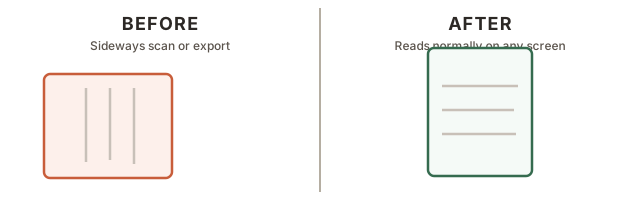
A scanned form came in sideways or upside down. This rotates the page so it reads normally.
Use this when scanned or exported PDF pages need to be turned 90, 180, or 270 degrees.
Rotate every page, or only the pages you choose, then download the corrected PDF.
Before & after
Leave blank to rotate every page.