Example use
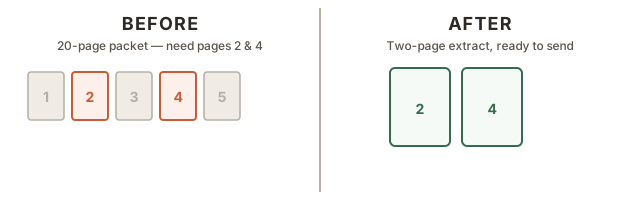
You received one long PDF but only need a few pages for a form, claim, or upload. This saves just those pages.
Use this when you only want selected pages from a larger PDF, or when you need one file per page.
Keep selected pages as a new PDF, or download one PDF for each page.
Before & after
Leave blank to keep all pages.